
Live Demo
Try Kittox in action with the sample applications shipped with the framework, plus KittoSCM — a real-world multi-tenant application built on top of KittoX. Each demo runs the exact source code included in the distribution, so you can explore the features directly in your browser and then dive into the YAML metadata to see how they were built.
HelloKitto
Login
UserName: guest — Password: password
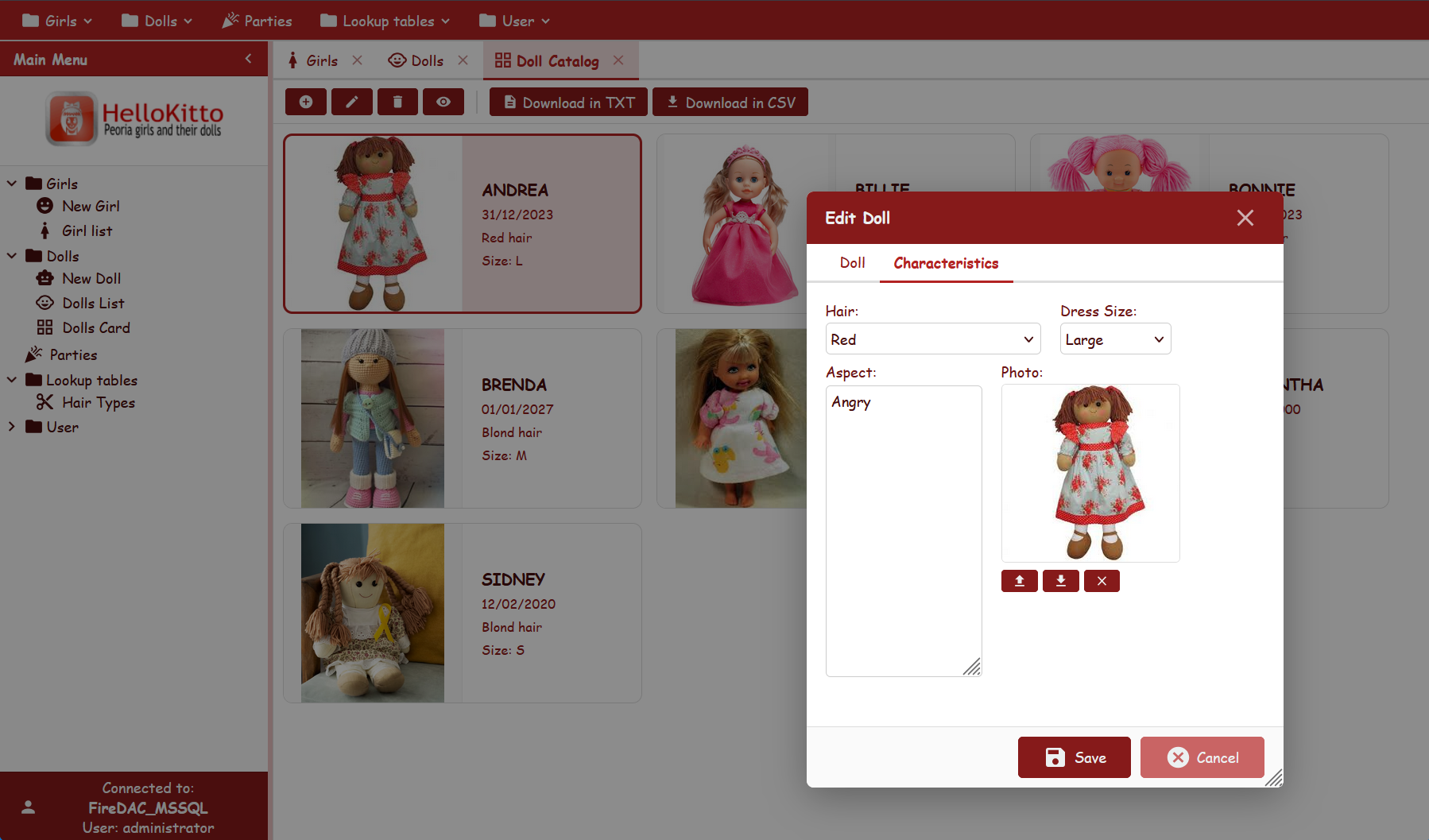
HelloKitto is the reference sample application that showcases the Kittox way of doing things. It is the best starting point to understand the basic concepts of the framework, browse real YAML configurations, and copy-paste snippets into your own projects.
Highlights:
- Multiple configuration files (including the minimal "Hello World" and an embedded mode)
- DBExpress connection to Firebird with hashed-password authentication
- Tree-based and toolbar-based menus, tile menu for mobile
- Tabbed views, StatusBar, custom logo via HtmlPanel
- List grouping, multiple user filters, custom form layouts
- Master/Detail display and editing, grid record coloring
See the HelloKitto documentation page for the full feature list.
TasKitto
Login
Log in with Password: password as either account:
admin— full access, including the Users administration (users, roles and permissions);user— the same data, but the Users/roles administration is hidden.
TasKitto uses role-based access control (ACL), so the menu entries and the enabled actions change depending on which account you log in with.
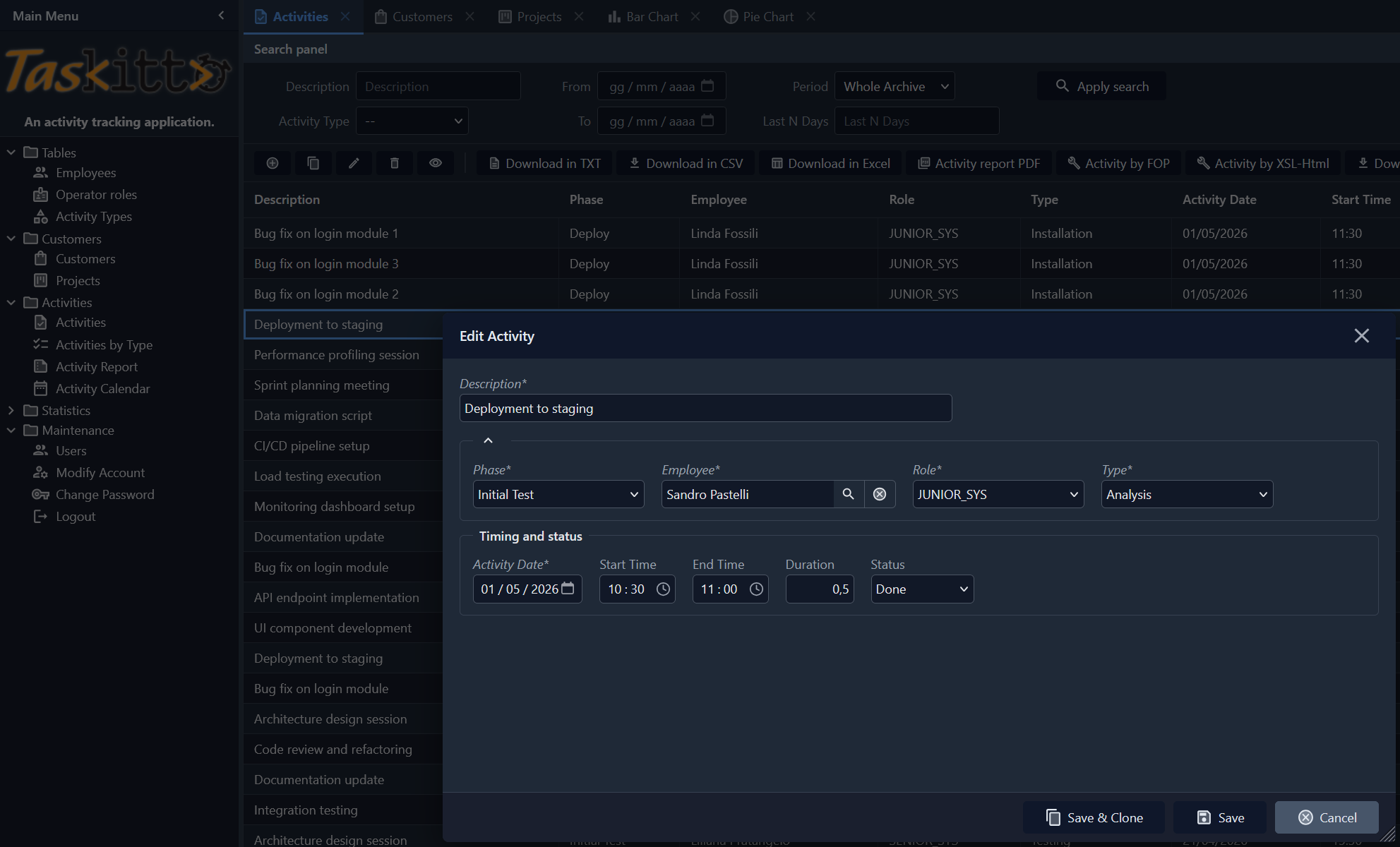
TasKitto is a task-tracking sample application modeling projects, phases and activities. It demonstrates a small-but-realistic business application built entirely with YAML metadata, and ships with a mobile-friendly configuration alongside the desktop one.
Highlights:
- Task tracking: Projects, Phases, Activities with master-detail relations
- Multiple configs: standard desktop and stripped-down mobile (
ConfigMini.yaml) - Calendar view, bar chart and pie chart dashboards
- Role-based access (Operator role) and custom tools
See the TasKitto documentation page for the full feature list.
KEmployee
Login (LDAP)
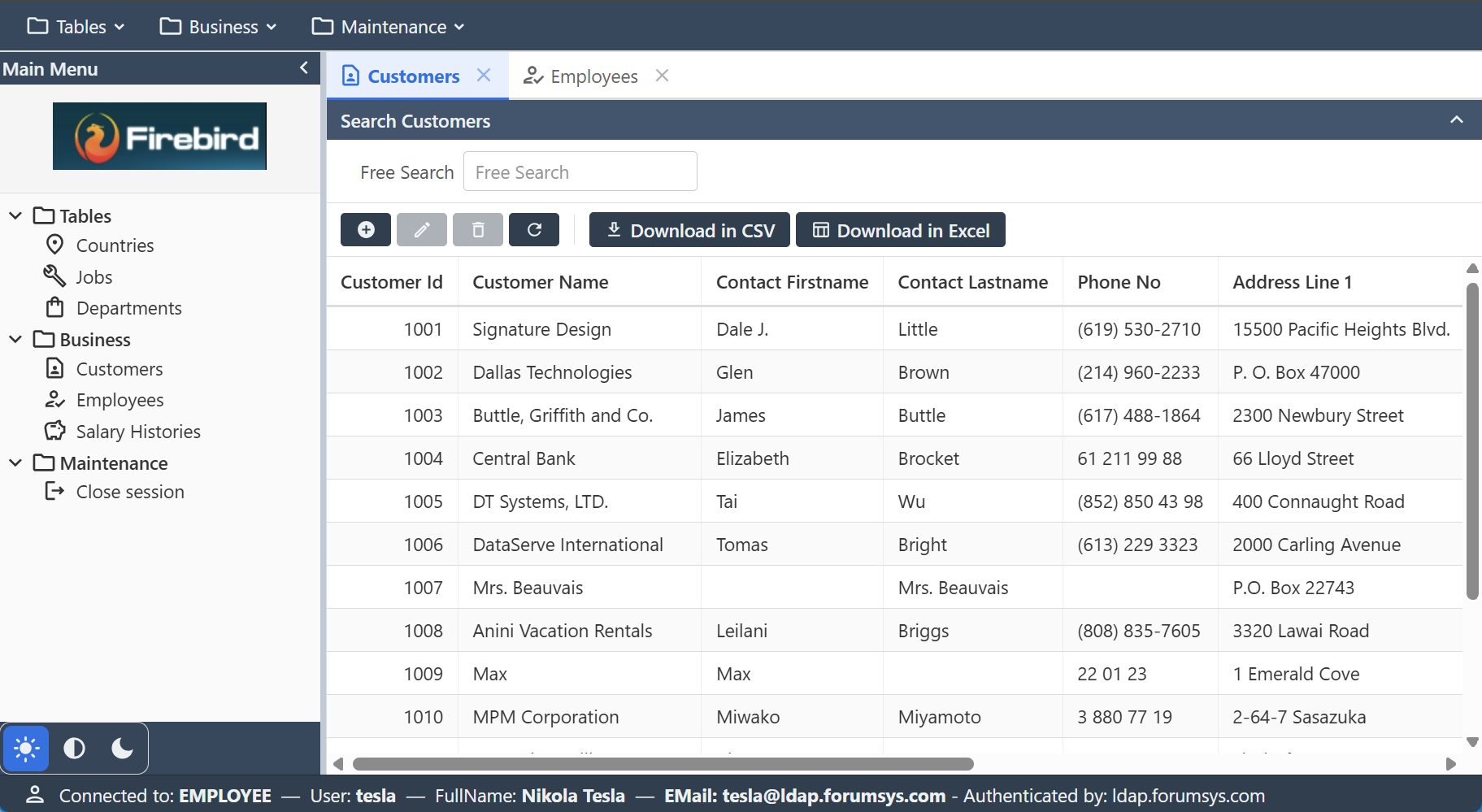
This demo authenticates against the public forumsys LDAP test directory (ldap.forumsys.com). Log in with Password: password as one of its accounts — tesla, einstein, newton, euler, gauss, euclid, riemann or nobel. On success the app reads the account's full name and e-mail from the directory and shows them in the status bar.
KEmployee is a sample application built on top of the classic Firebird Employee.fdb demo database. It manages Employees, Customers and Sales and demonstrates more advanced relational scenarios such as multi-field key references.
Highlights:
- Firebird database (
Employee.fdb) - Employee — Customer — Sales domain
- Reference fields with multi-field keys
- Neptune theme
- LDAP / Active Directory authentication (
Kitto.Auth.LDAP): users are validated against a directory instead of a local user table, and their full name and e-mail are read from the directory
See the KEmployee documentation page for the full feature list.
KittoSCM
Login
Two modes, both with Password: password:
- as an ASD administrator — user
SYSDBA; - as a parent — the user name of a member is their Codice Fiscale, so any tax code in the club's registry works. The demo database shipped with the example lists one with a family of three children: see Sport Club Manager.
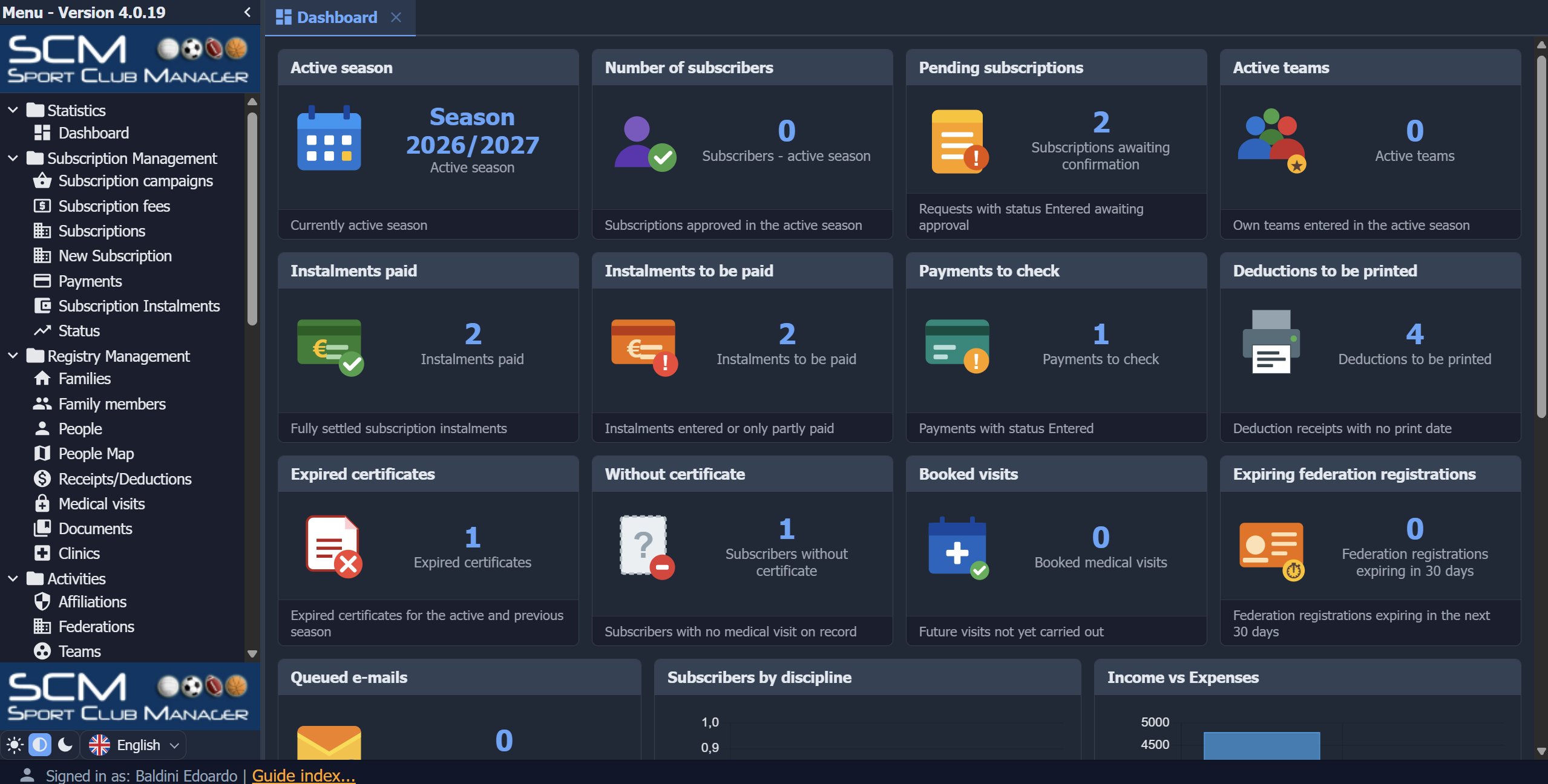
KittoSCM (Sport Club Manager) is a real-world, multi-tenant web application for managing Italian sports clubs (ASD — Associazioni Sportive Dilettantistiche). The same codebase is deployed for several clubs via per-deployment Config.yaml overrides, and it is a great showcase of how far you can push KittoX in a production scenario. It is also shipped as an example, with anonymised demo data — see Sport Club Manager.
It handles member registration, family groups, enrollment campaigns, subscription fees and installments, medical visits, federation registrations, internal messaging, accounting and Italian electronic invoicing (FatturaPA).
Highlights:
- Dual-mode access: members/parents log in by Codice Fiscale on a smartphone-friendly interface, while club staff use a desktop admin interface
- Profile-driven view routing via the
%Auth:PROFILEID%macro (USER_HomevsADMIN_Home) - Multi-tenant deployment from a single codebase (one
.dprper club) - MS SQL Server backend (FireDAC), 108 data models over 123 tables, role-based access control
- Custom authenticator with remote login, generated passwords and password reset by e-mail
- Italian electronic invoicing (FatturaPA) integration and Flexcel reporting
Next steps
- Download and install the framework — see Installation
- Read the Getting Started guide to build your first Kittox application
- Browse the Basic concepts to learn about YAML metadata, models and views