
Preview Panel in action
The shell extension for MarkDown files, consists of a preview of the Markdown file directly into Windows Explorer, like in this figure in Windows 11 with Dark theme:
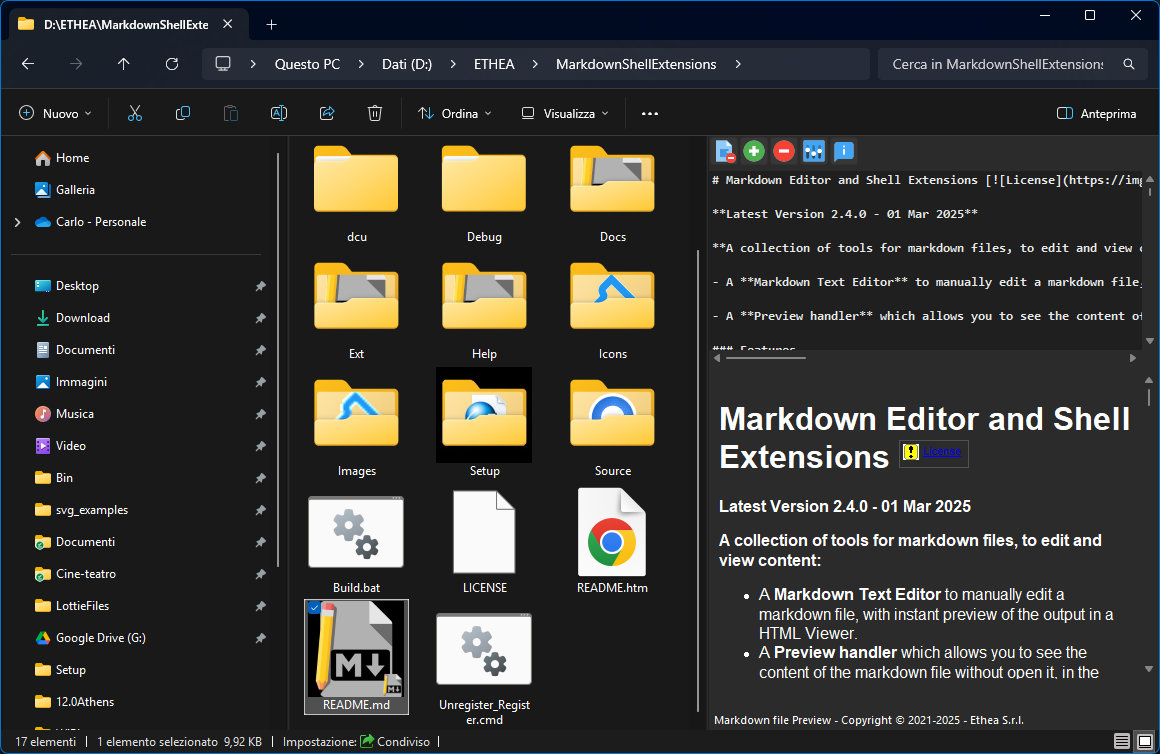
In the Preview panel you can show or hide the text of the source file, clicking on first button on the toolbar: in previous image the text is visible, in next image only the preview of the file is visible.
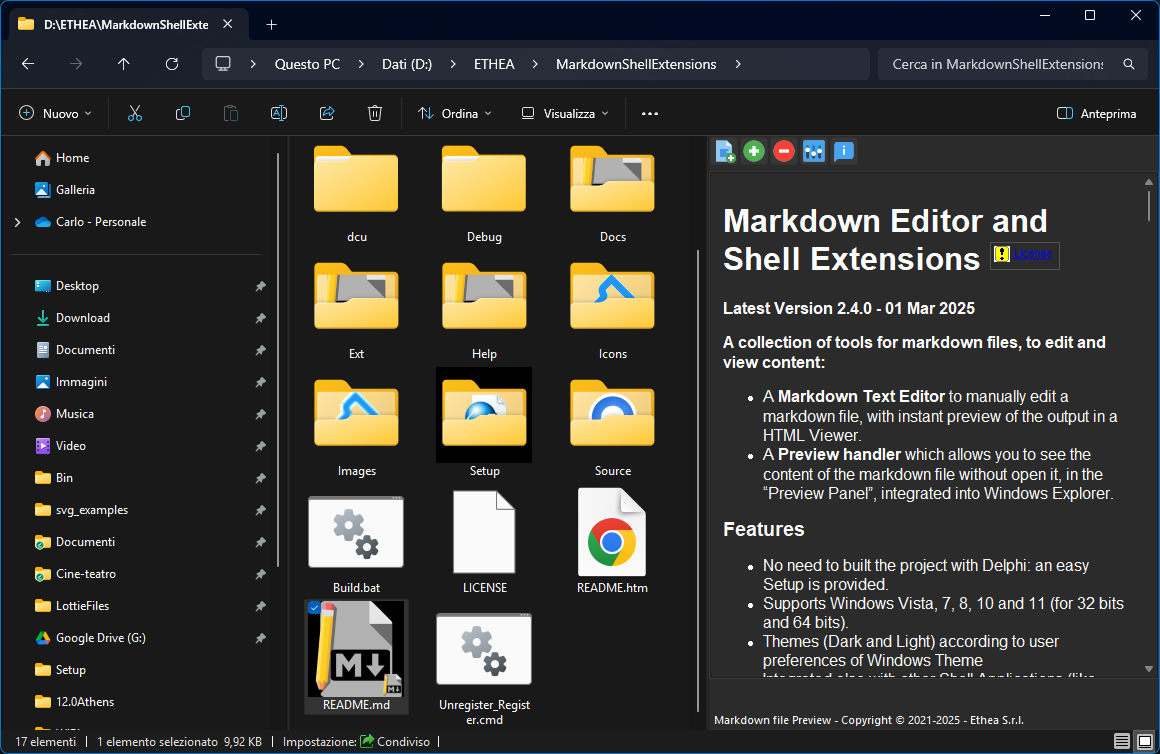
You can enlarge or reduce the font of the preview, clicking on [+] or [-] buttons.
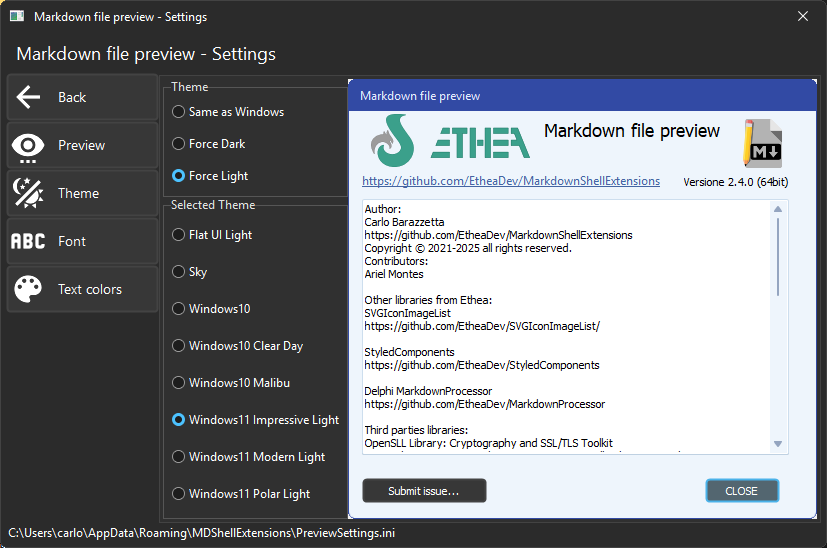
You can activate the Settings windows for the Preview, to accomodate Theme, Font and Text colors of the preview panel:
Syntax Highlighting of Code Blocks
Just like in the Markdown Text Editor, fenced code blocks are shown with syntax highlighting based on the language declared after the opening fence (for example ```delphi or ```json). Many languages are recognized and the colors follow the current theme (light or dark), so even a quick look at a file in the Explorer preview shows nicely colored, readable code.