
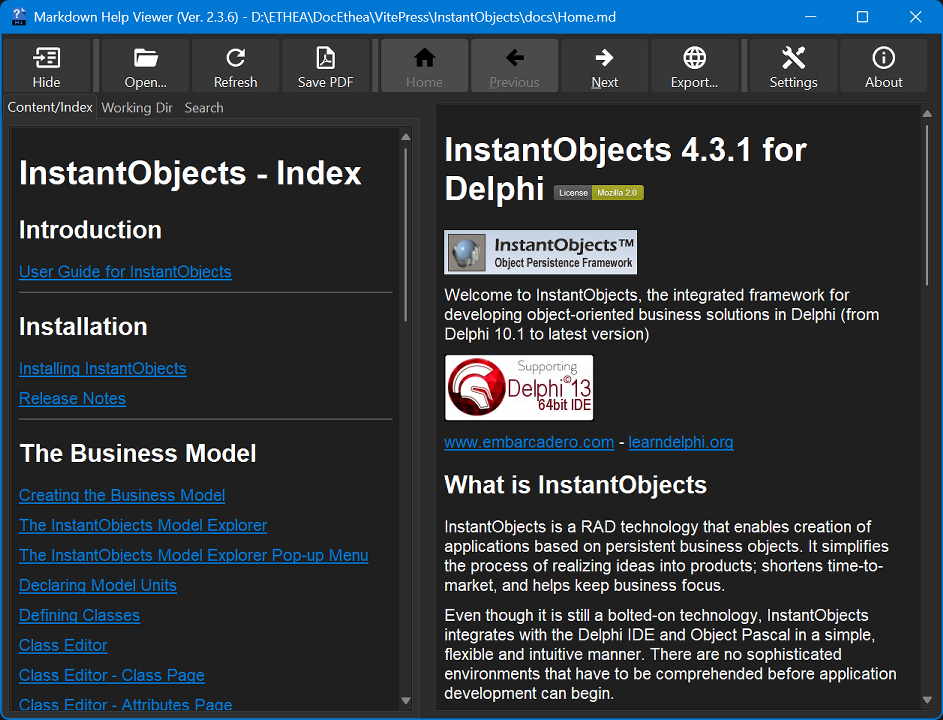
MarkDown Help Viewer in action
A useful Viewer for instant preview of MarkDown formatted content help files (with auto-detection of Windows-Theme):
Syntax Highlighting of Code Blocks
Fenced code blocks are shown with syntax highlighting based on the language declared after the opening fence (for example ```delphi or ```json), like on GitHub. Many languages are recognized — Pascal/Delphi, C/C++, C#, JavaScript/TypeScript, JSON, Python, SQL, Java, PHP, HTML/XML, CSS, YAML and more — and the colors follow the current theme (light or dark). This makes technical help pages that contain code samples much easier to read. If the language is unknown or omitted, the block is shown as plain monospace text.