
Settings
The Settings dialog is available both in the SVG Text Editor and in the Preview Panel of Windows Explorer. The settings are stored into the Settings.ini file, whose path is shown at the bottom of the dialog.
The pages of the dialog are: Text colors, Font, Theme, Preview and Updates.
Text colors
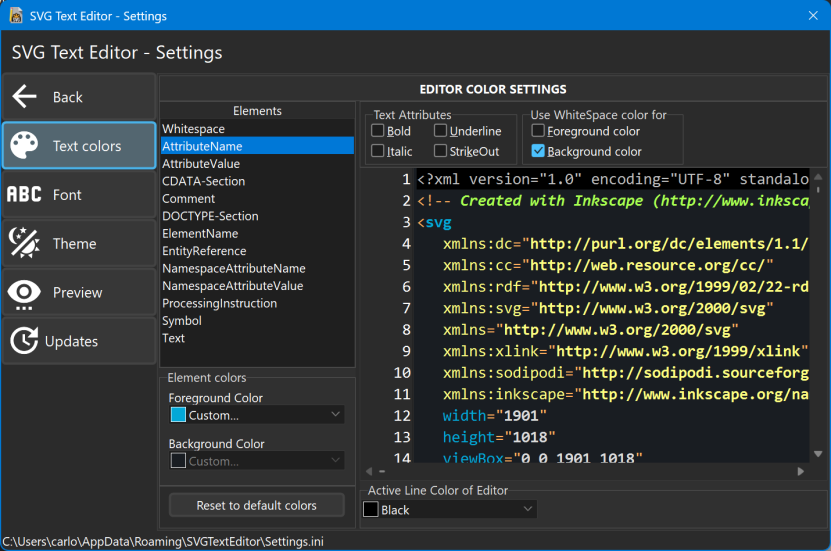
The colors of the XML syntax highlighting: for each element of the text (attribute names and values, comments, element names, symbols...) you can choose the foreground and background colors and the text attributes (bold, italic, underline, strikeout), with a preview of the result. You can also choose the color of the active line of the editor, or reset all the default colors.
Font
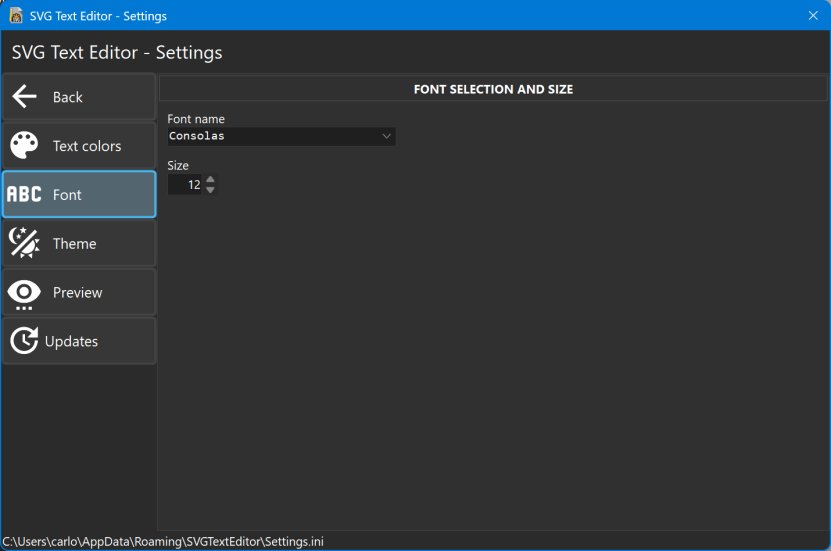
The font and the size of the text of the SVG file.
Theme
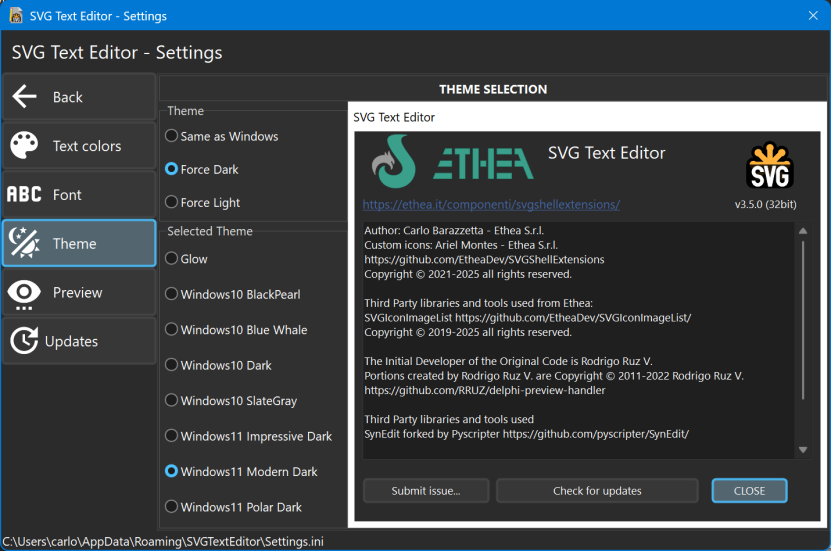
Theme: Same as Windows (Light or Dark, following the Windows settings), Force Dark or Force Light.
Selected Theme: the style of the application, among the Light and Dark styles (Windows11 Modern, Windows11 Impressive, Windows11 Polar, Windows Modern, Glow, Sky and others), with a preview of the selected style. Only the styles of the selected type (Light or Dark) are shown.
Preview
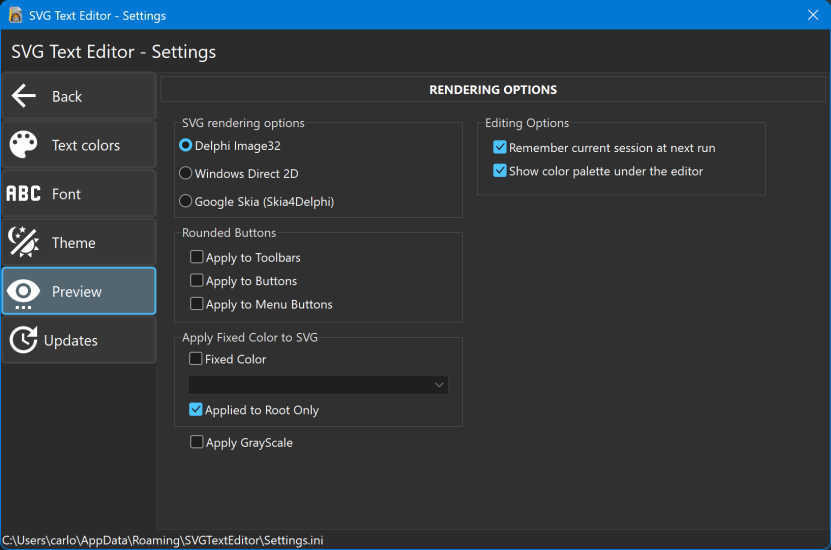
SVG rendering options: the engine used to draw the SVG images, in the editor, in the Preview Panel and in the Thumbnails:
- Delphi Image32: the default engine, written in pure Delphi;
- Windows Direct 2D: the SVG support of Windows (available only on the Windows versions that support it);
- Google Skia (Skia4Delphi): the Skia graphic library by Google, through Skia4Delphi.
The other options of the page:
- Rounded Buttons: draws toolbars, buttons and menu buttons with rounded corners;
- Apply Fixed Color to SVG: draws the images with a single color, applied to the whole image or only to the root element;
- Apply GrayScale: draws the images in shades of gray;
- Editing Options (only in the editor): Remember current session at next run and Show color palette under the editor.
Updates
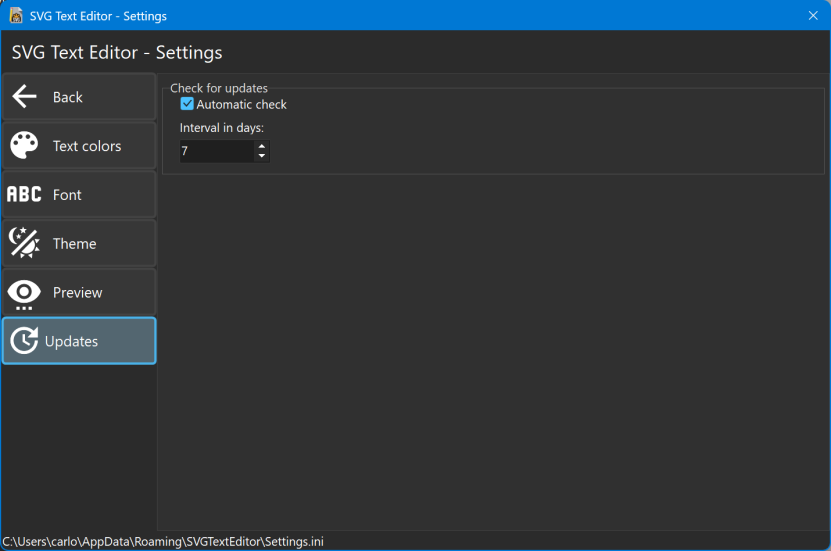
Check for updates: when Automatic check is active, the editor checks if a new version is available every n days (Interval in days): see Automatic updates.